
Deploy integrations,
faster.
Your engineers shouldn’t have to figure out every integration from scratch. Use Appnigma’s infra to deploy faster, simplify maintenance, and tailor mappings and workflows to each customer.
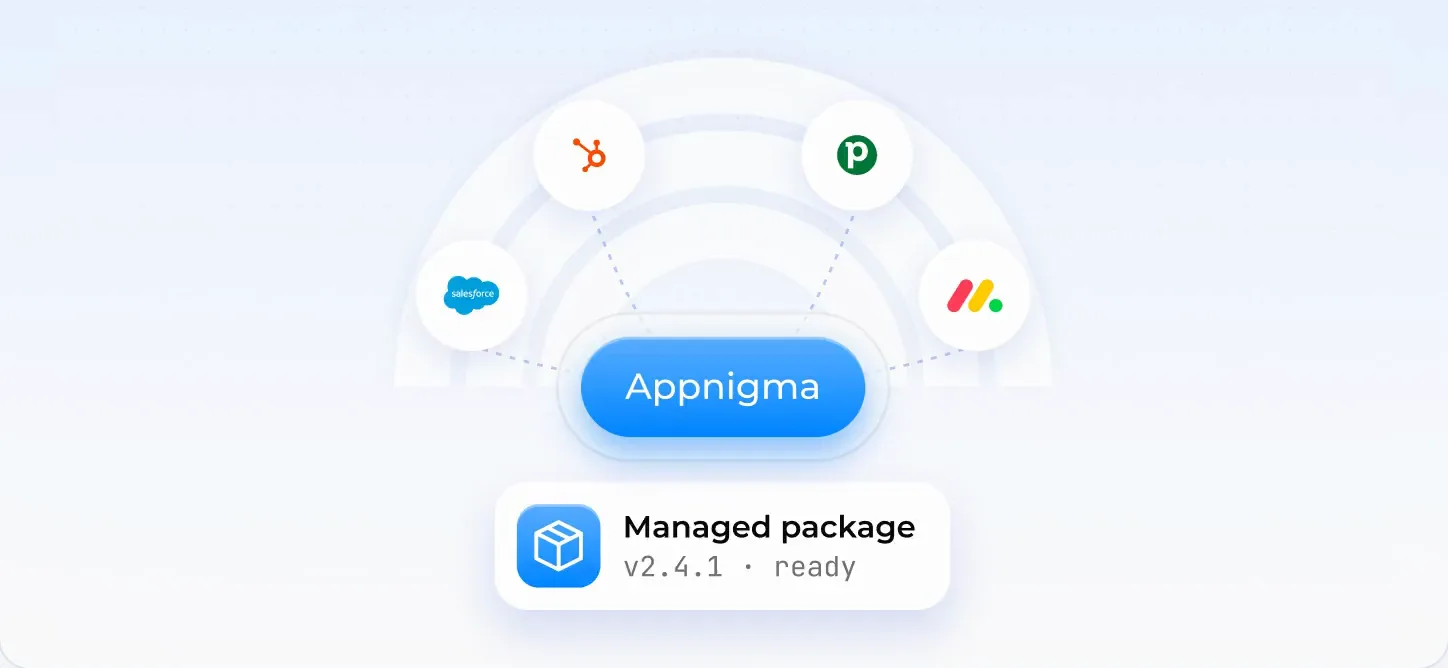
Less time figuring it out. More time shipping.
- Before the first launch.App registration, authorization, test environments, and deployment all take time before the integration reaches a customer.
- After it goes live.API changes and broken connections pull engineers back into integrations they thought were finished.
- When the next customer signs.Their custom objects, field mappings, and workflows need to fit without rebuilding the integration for everyone.
From first deployment to everyday upkeep.
Give your team a shared foundation for setup, testing, deployment, and monitoring. Keep each customer’s requirements on top of it.
Discuss your setup →Integration setup
Handle app registration and authorization with infra built for the systems your customers use.
Customer-specific logic
Start with default mappings. Add custom objects, field transformations, and workflow rules for individual customers.
Testing and deployment
Test changes in sandboxes, version them, and deploy through a shared pipeline rather than setting one up for every integration.
Ongoing maintenance
Monitor each customer’s connections, identify issues, and move fixes through the same review and release process.
Build on shared infra. Keep your existing stack.

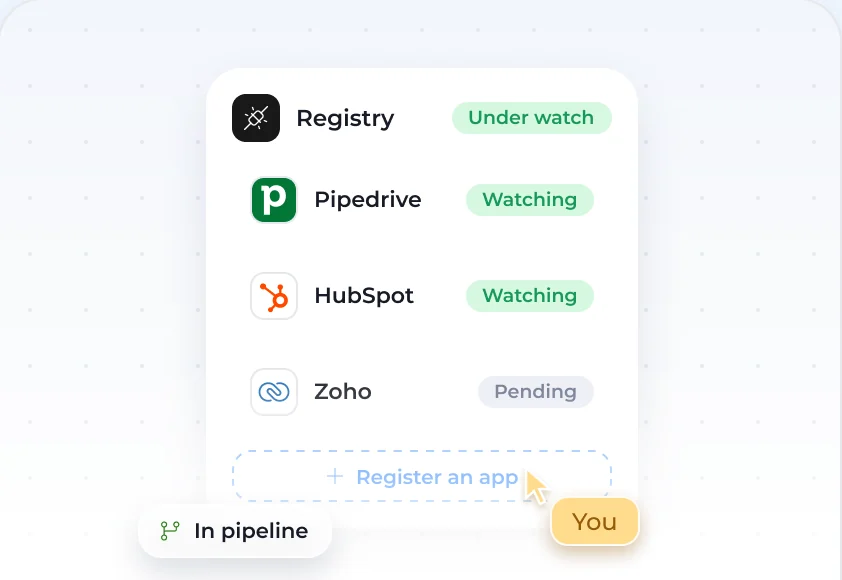
Connect your stack.
Set up the infra around your product and the external systems your customers need.
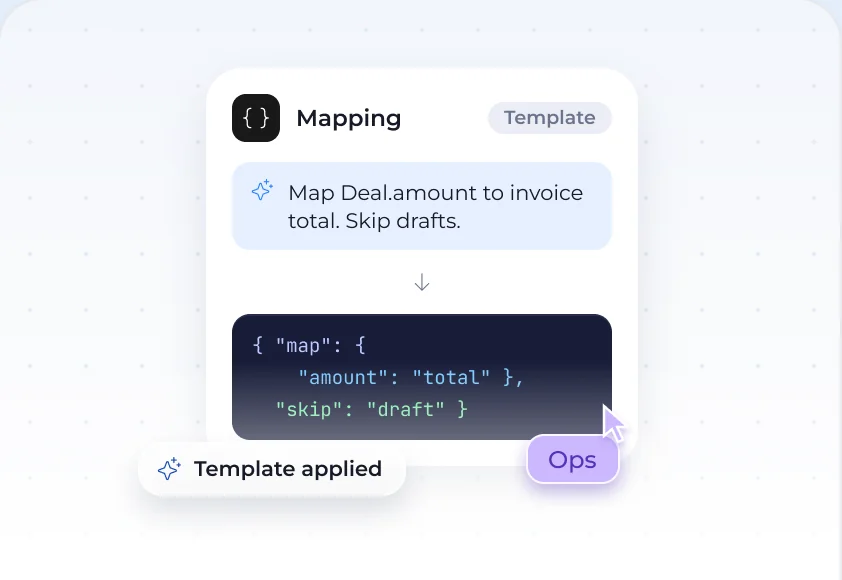
Define the mappings.
Choose the default objects and fields to sync. Add mappings and rules for customers with different requirements.
Test and deploy.
Validate the customer’s workflows in a sandbox, then release through the deployment pipeline.
Keep it running.
Track connections by customer and handle API changes, fixes, and mapping updates through the infra.

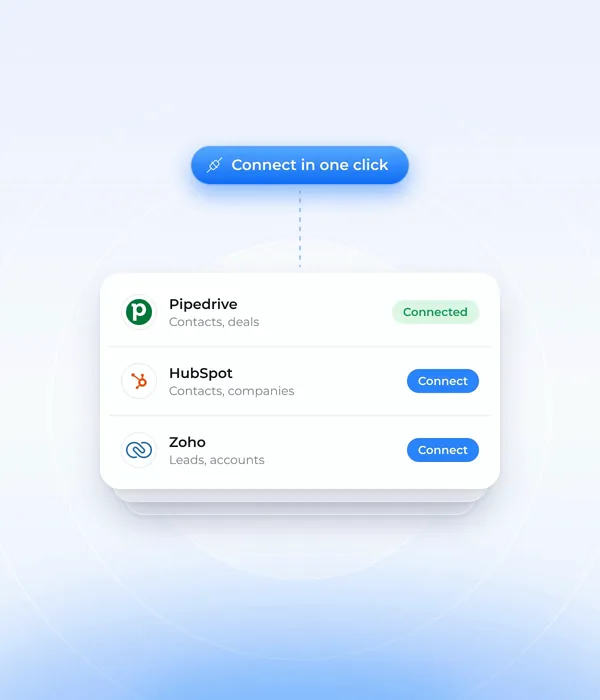
One integration. Different customer requirements.
Questions we get asked
Your engineers build the integration logic on Appnigma’s infra. The infra supports setup, testing, deployment, and ongoing maintenance. If you want to hand off implementation too, done-for-you delivery is available separately.
Salesforce and HubSpot are the core specialties. Other business systems and custom APIs can also be scoped. Share the system and use case to confirm access, feasibility, and the setup your team needs.
Yes. Start with default mappings, then add customer-specific objects, fields, transformations, and workflows. A change for one customer does not have to change the integration for everyone else.
It brings app registration, authorization, sandboxes, deployment, and monitoring into a shared setup. Your team can focus on the customer’s integration logic instead of assembling those pieces for each new integration. Timing depends on scope, access, and backend changes; review your requirements with an engineer to get a realistic plan.
No. The infra works around your product. Setup identifies which changes belong in your backend, what runs on Appnigma’s infra, and how the two communicate. The technical conversation covers how it fits your current stack.
Your team owns the custom integration code it writes. Appnigma provides the infra and monitoring. With repository access, fixes can be submitted as pull requests for your review. Without it, your team receives alerts and guidance on the required changes. Code access, support coverage, and release responsibilities are agreed during setup.
Yes. Done-for-you delivery can be scoped alongside your infra when your team wants help with implementation, customer-specific changes, or maintenance.

Bring the customer requirements and your current setup. See how the infra can shorten the path to deployment and support the customization and maintenance that follow.